WARNING: Flashing a Video BIOS (VBIOS) carries a significant risk of permanently damaging your graphics card. This guide is for educational purposes only. Proceed at your own risk (YMMV).
After a recent upgrade to an MSI B450 Pro Carbon, I attempted to reinstall Windows using a pure UEFI configuration. However, after switching the BIOS setting from CSM (Compatibility Support Module) to UEFI, the system refused to POST, emitting one long and two short beeps. Without a physical BIOS reset (CMOS clear), I was unable to boot.
The culprit turned out to be the Graphics Card. Specifically, the motherboard BIOS failed to recognize the GOP (Graphics Output Protocol) driver within the card’s firmware, which is required for UEFI display initialization during POST.
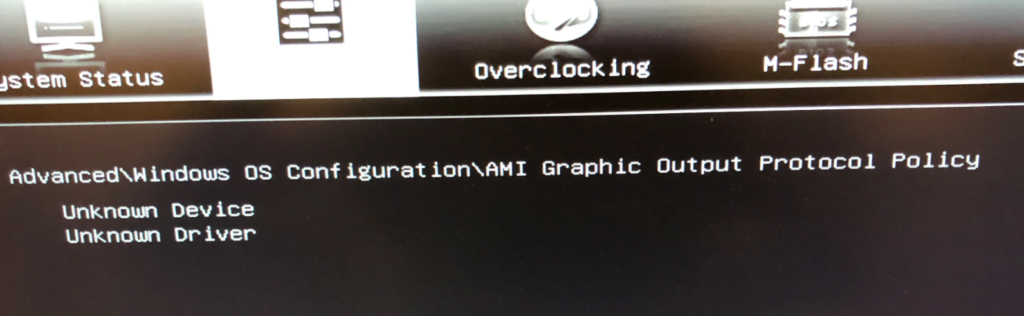
The Solution: Updating the GOP Driver
Rather than settling for legacy CSM mode, I found a solution on the Win-Raid forums. A community-developed tool allows you to inject or update the GOP driver in your existing VBIOS. You can find the original technical thread here: AMD and Nvidia GOP Update (DIY).
The High-Level Process:
- Extract the ROM: Use a tool like GPU-Z to save your current VBIOS to a file.
- Environment Setup: Ensure you have Python 3.X installed on your system.
- Patch the Firmware: Drag and drop your extracted ROM onto the
GOPupd.batfile. The script will analyze the ROM and generate a new, updated VBIOS file. - Flash the Card: Use nvflash (for Nvidia) or the appropriate tool for AMD to flash the updated ROM back to the card.
- Enable UEFI: Reboot into BIOS, switch back to UEFI mode, and save.
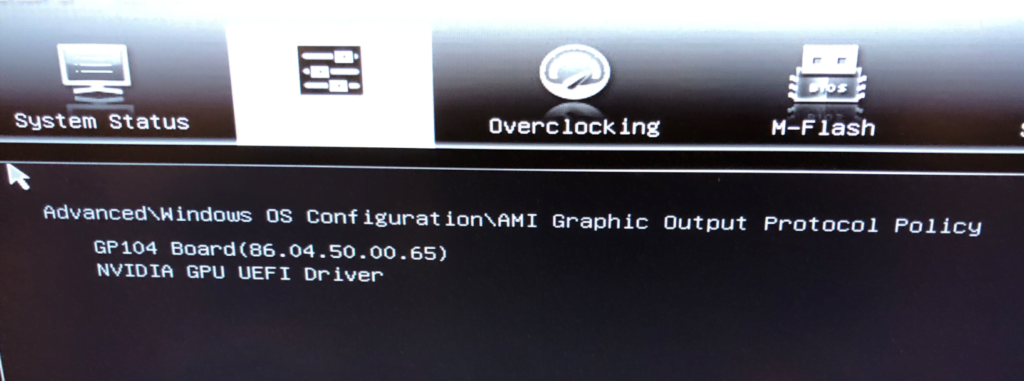
Success! After updating the GOP driver, the motherboard recognized the card in UEFI mode immediately. If you’re stuck on this and need a hand with the steps, feel free to drop a comment below. Just remember: always keep a backup of your original ROM!